This article aims to address the issue that the panel displays the error codes (Machine protected and Cooler Protect 1), and is suitable for the following models:
✅ Pro Series
It may take about 30 minutes to complete the process.
Tools Needed:
✅ Screwdriver
✅ Mutimeter
¶ Machine Protected
Error Display Example
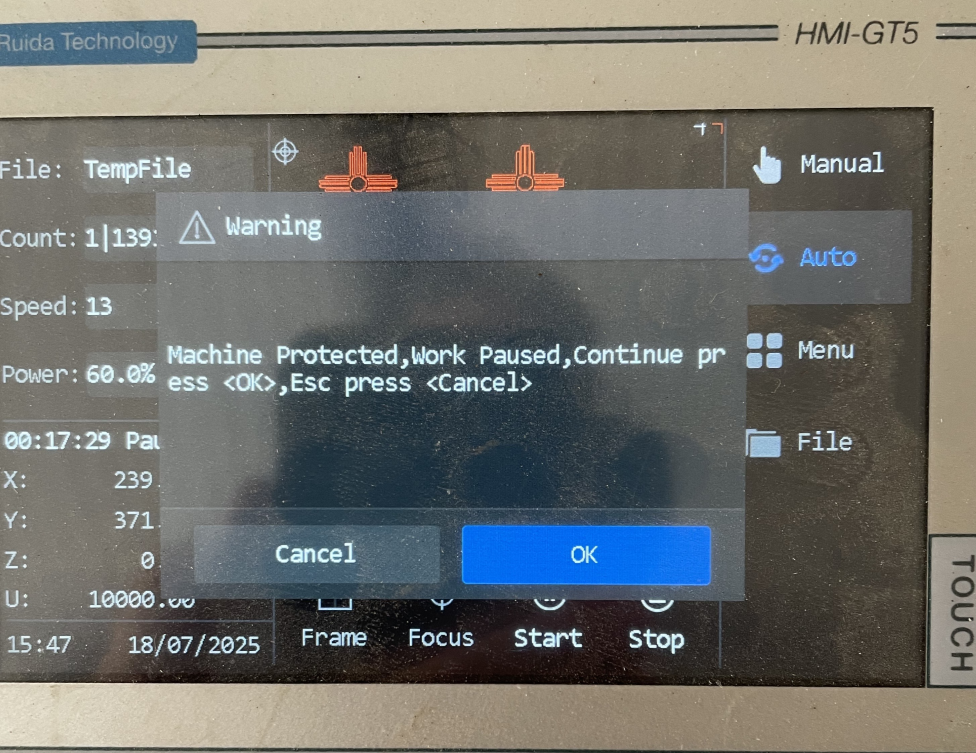
Fig. 1: Pro | Error Code “Machine Protected”
¶ Steps to Take
1. Open the left control box and check the air pressure sensor inside.
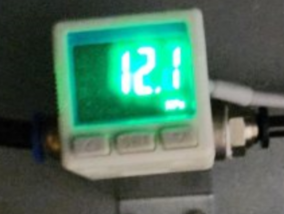
✅ Normal status of the air pressure sensor: Pressure greater than 10 kPa and displayed in bright green (see Fig. 2)
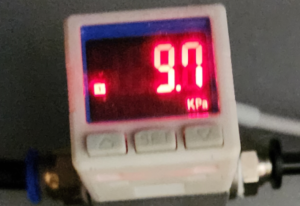
- ❌ Faulty air pressure (see Fig. 3) ➡️ Replace the air pump.
- ✅ Normal air pressure (see Fig. 2) → Proceed to Step 2.
|
|
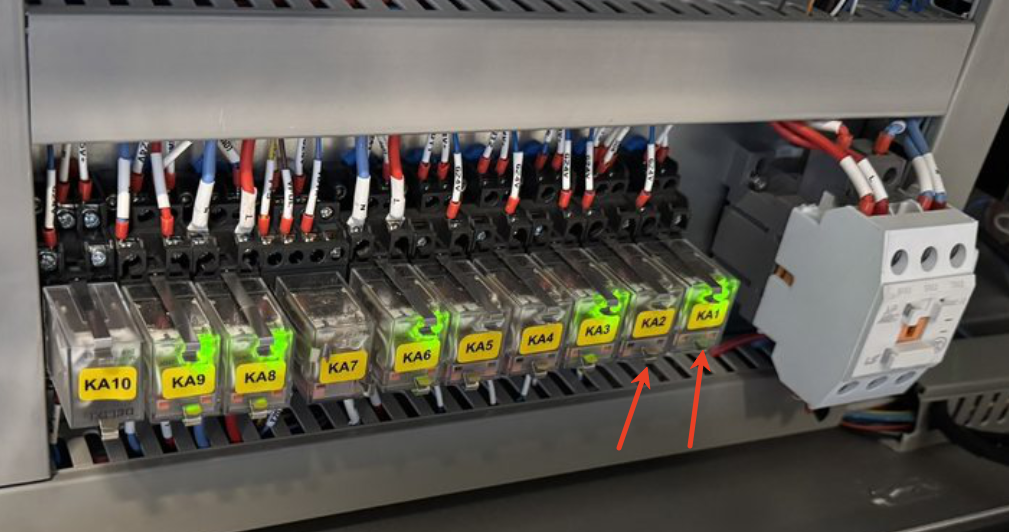
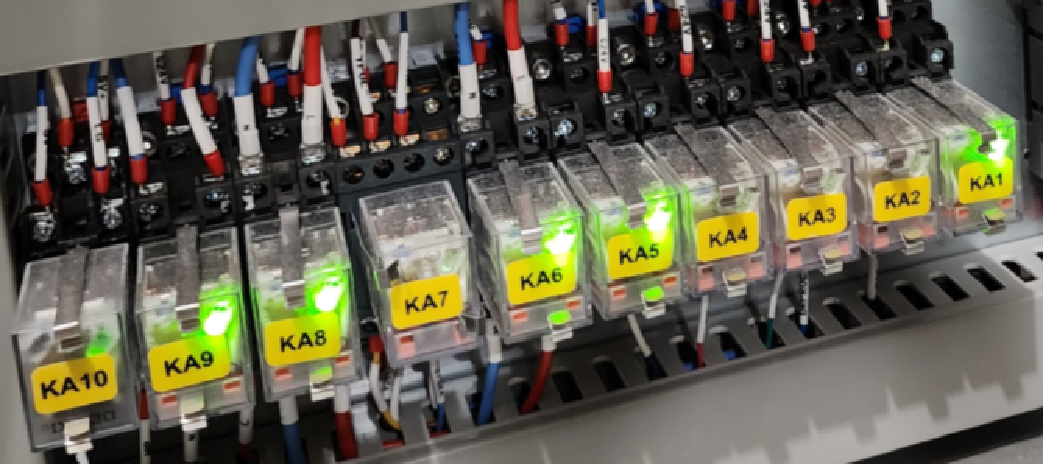
2. Open the right control box and check the indicator lights for KA1 and KA2 (see Fig. 4).
- ✅ Both KA1and KA2 light up ➡️ Replace the pressure sensor or temperature sensor (see Fig. 5).
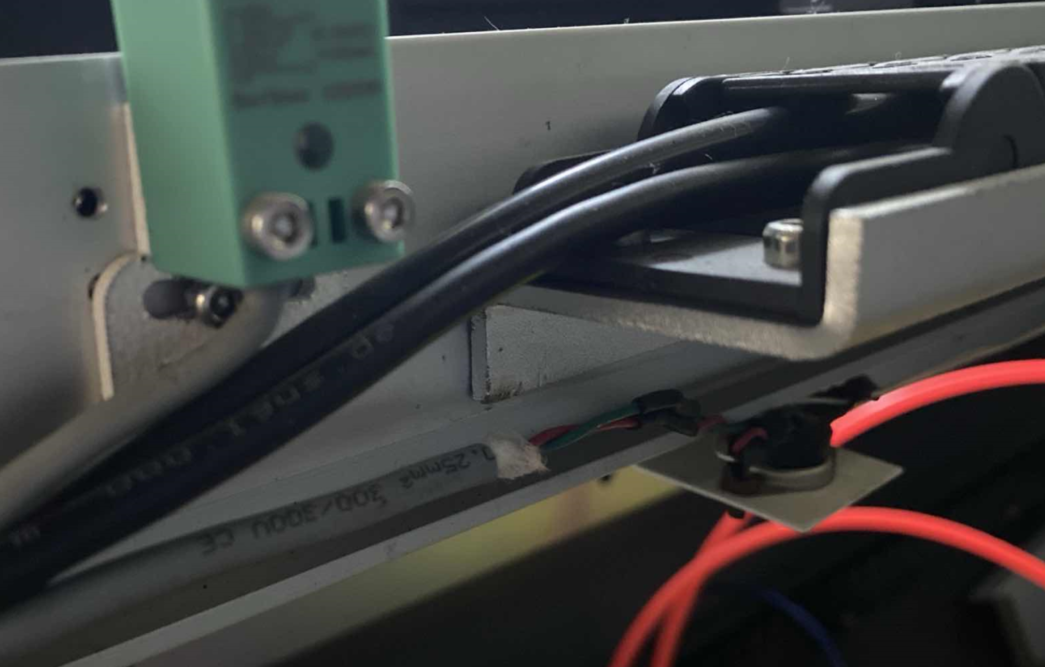
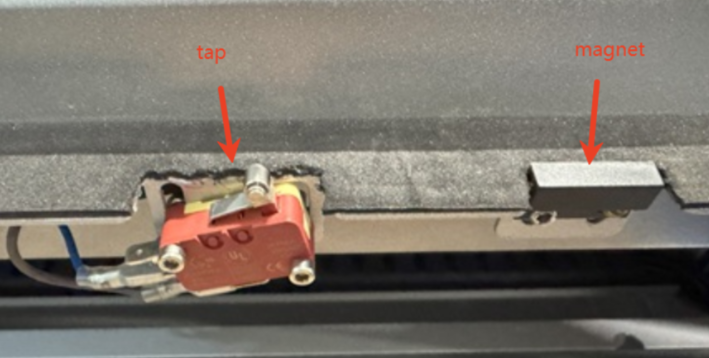
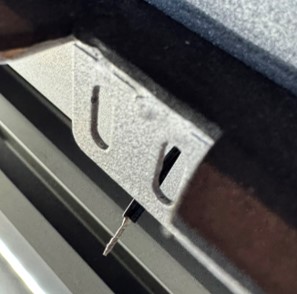
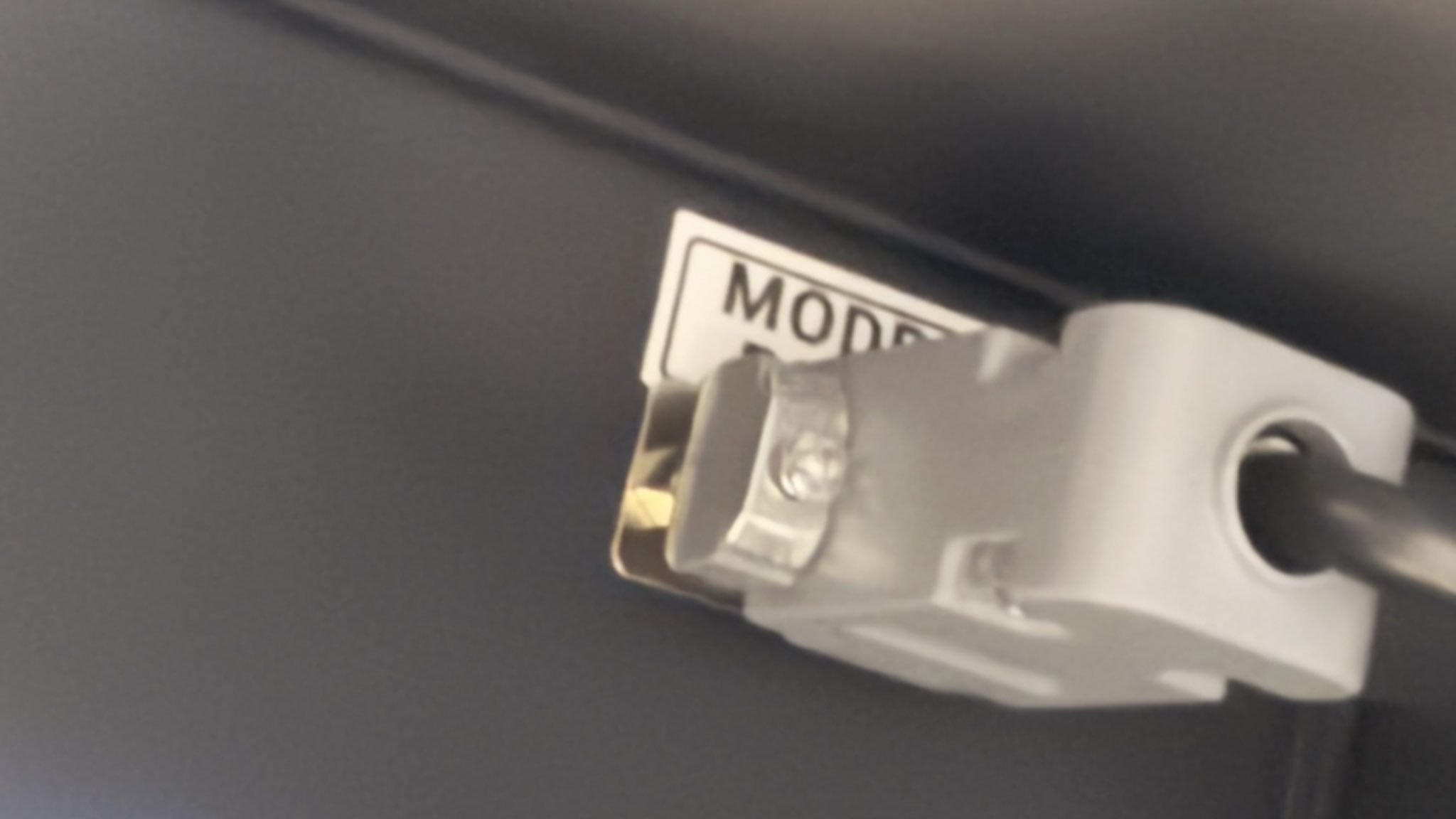
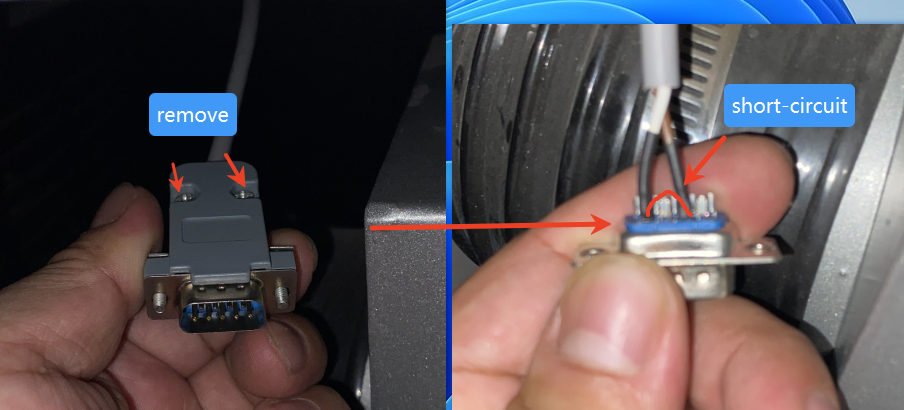
- ❌ KA1 NOT lighting up → Short-circuit two wires of the door switch to bypass (see Fig. 6-7).
- ✅ KA1 lighting up ➡️ Replace the door switch.
- ❌ KA1 still dark ➡️ Replace the KA1 relay.
|
|
|
|
¶ Cooler Protect 1
Error Display Example
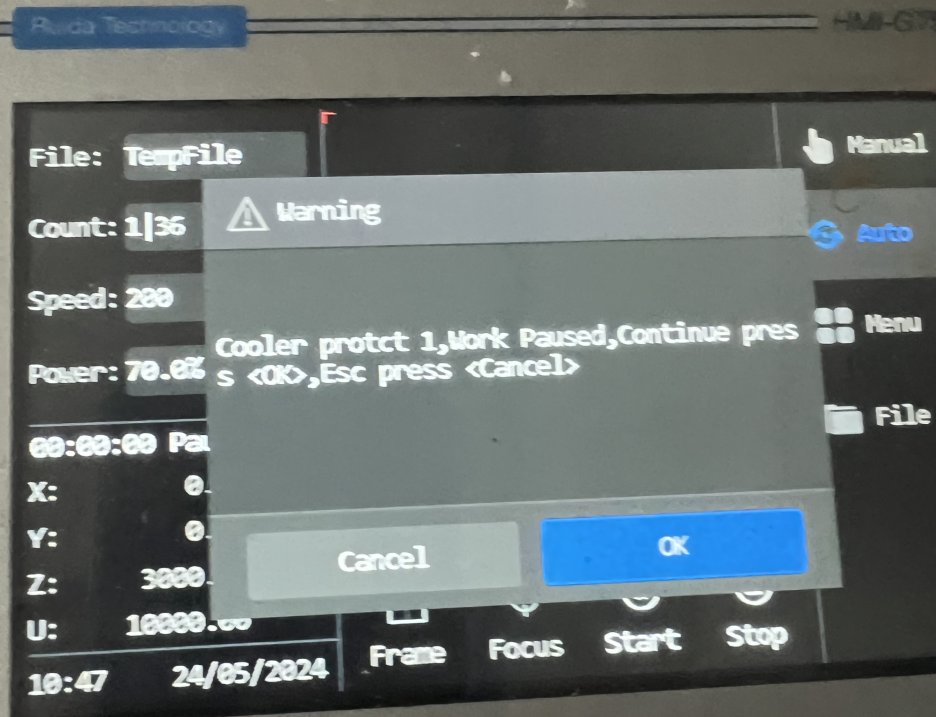
Fig. 8: Pro | Error Code “Cooler Protect 1”
¶ Steps to Take
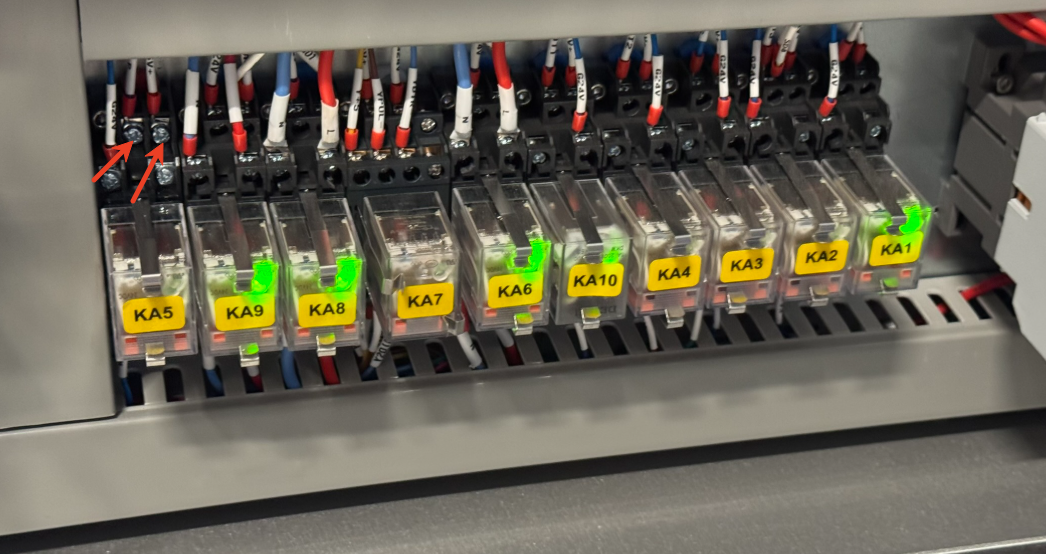
1. Open the right control box and check the indicator lights for KA10 (see Fig. 9).
- ✅ KA10 indicator lights up ➡️ Replace the KA10 relay.
- ❌ KA10 NOT lighting up → Short-circuit the magnetic switch and water protection plug (see Fig. 10 & 12).
- ✅ KA10 indicator lights up ➡️ Replace the limit switch or water cooling plug.
- ❌ KA10 still dark → Proceed to Step 2 👇.
2. Keep the door switch and water cooler plug shorted (see Fig. 7 & 12), and measure the KA10 relay input voltage (see Fig. 13).
- ✅ Normal 5V or 24V + ❌ Dark KA10 ➡️ Replace the KA10 relay.
- ❌ Abnormal voltage → Contact OMTech customer service.
|
|
|
|
|
|
||